
Managing who can enter your premises, when they can enter and which areas they can access is a key part of modern security. For small businesses in South Africa, the right access control system helps prevent unauthorised entry, improve audit trails, support time and attendance and reduce operational risk during load shedding.
Traditional methods such as padlocks and manual sign-in registers do not constitute effective access control. For a growing business, they often introduce inefficiencies, increase compliance exposure and produce unreliable audit records. This guide outlines the most effective access control systems for SMEs, how they compare, and how to choose the right one.
What Access Control Means for a Small Business
Access control is the system that determines who can enter specific areas, when access is allowed, and what activity is recorded. A well-implemented system should do three things: prevent unauthorised access, provide a clear audit trail, and support operational needs such as time and attendance.
Best Access Control Systems for SMEs
1. PIN Keypad (Standalone)

Best for small offices or single-door environments. Users enter a code to unlock a door. Advantages: simple and cost-effective, no physical credentials, works independently of a network. Limitations: codes can be shared, limited audit tracking, requires backup power.
2. RFID Card or Fob Systems

Best for offices with 10–50 employees. Users tap a card or fob to gain access. Advantages: scalable, tracks individual access, widely adopted and reliable. Limitations: cards can be lost or shared, requires ongoing credential management.
3. Fingerprint Biometric Systems

Best for businesses needing time and attendance integration. Advantages: eliminates shared credentials, strong audit trail, often includes time tracking. Limitations: requires compliance with data protection regulations; performance can vary by conditions.
4. Facial Recognition Systems

Best for high-traffic or hygiene-sensitive environments. Advantages: touchless and fast, advanced security features. Limitations: higher implementation cost, requires careful setup and compliance controls.
5. Mobile Access Systems

Best for modern offices and multi-site businesses. Smartphones act as access credentials. Advantages: no physical credentials, remote management. Limitations: dependent on user devices, requires clear device policies.
6. Cloud-Managed Access Control
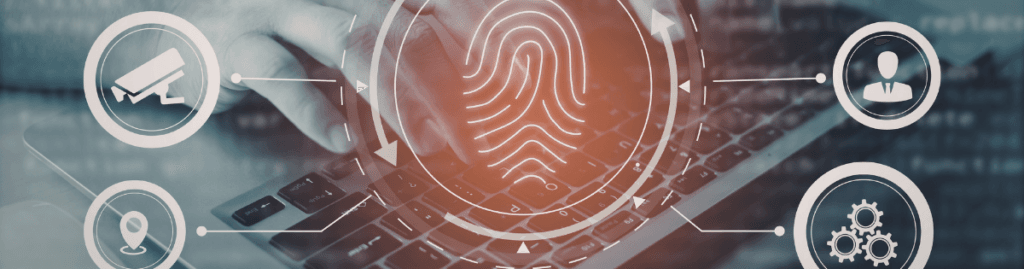
Best for multi-site operations and remote management. Advantages: centralised control, real-time monitoring, scalable across locations. Limitations: subscription costs, requires stable connectivity.
Quick Comparison
| System | Best for | Pricing tier | Time & attendance | Load shedding fit |
|---|---|---|---|---|
| PIN keypad | Single door, low-risk areas | Standard | No | Needs UPS |
| RFID card or fob | Most SME offices and warehouses | Standard to mid-range | Optional | Good with UPS |
| Fingerprint biometric | T&A plus secure entry | Mid-range to premium | Yes | Good with UPS |
| Facial recognition | Touchless entry, higher throughput | Premium | Yes | Good with UPS and stable power |
| Mobile or Bluetooth | Card-light modern offices | Mid-range to premium | Add-on | Good with UPS |
| Cloud-managed | Multi-site visibility and remote control | Premium | Yes | Strong with UPS and internet backup |
How to Choose the Right System
Start with the problem, not the product. If the main issue is unauthorised entry, RFID is often enough. If the problem is buddy punching or staff time fraud, biometric access is more appropriate. If you need remote control across branches, cloud-managed access is usually the better fit.
Match the system to your size and workflow. Very small teams with one or two doors can stay simple. As staff and doors grow, the value of software management, audit logs and easier administration increases quickly.
Plan for future integrations. If you may add CCTV, visitor management, alarms or time and attendance later, choose a platform that already supports those integrations. That reduces rework and avoids replacing hardware too soon.
POPIA Compliance and Load Shedding Considerations
In South Africa, access logs, employee records and credential data are personal information and must be handled accordingly. For POPIA compliance, businesses must obtain consent for biometric data and ensure secure data storage.
Access control systems should also keep working during power outages: ensure UPS backup for all systems, proper fail-safe lock configuration, and network redundancy for cloud systems.
Final Recommendation
For a simple, dependable starting point, begin with RFID. For tighter accountability or time and attendance, move to fingerprint biometrics. For multiple sites or remote control, cloud-managed access is usually the strongest long-term option. The right choice is not the most advanced system on paper — it is the system that matches your doors, staff and compliance needs.
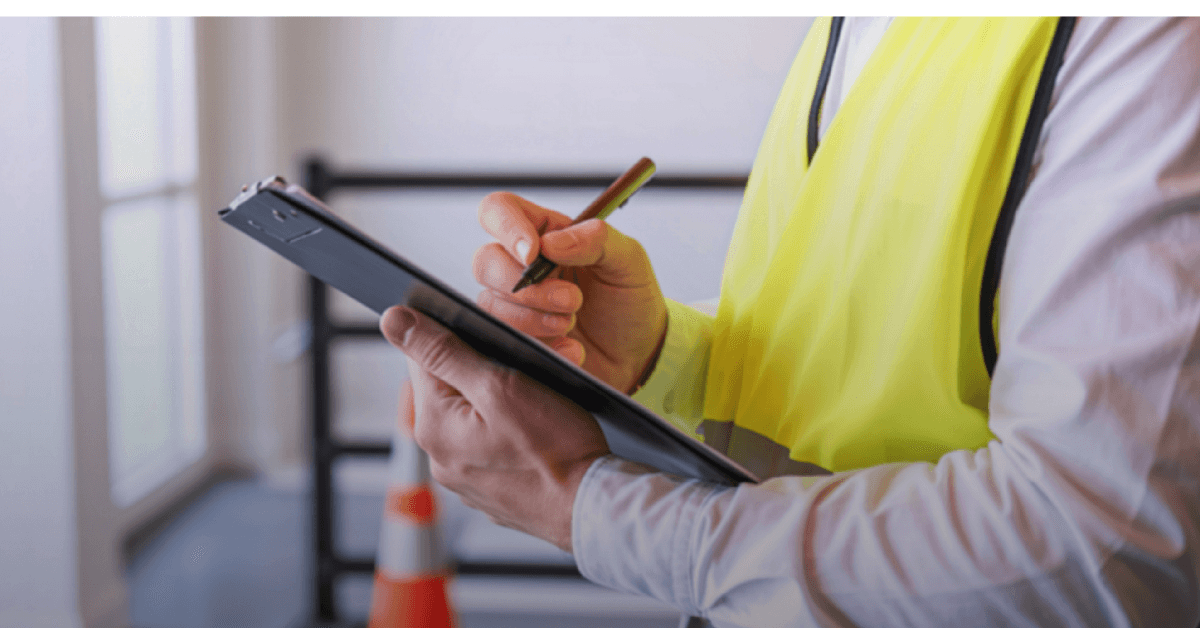
For best results, conduct a professional site assessment before selecting a system. This ensures the solution aligns with your operational requirements and avoids unnecessary cost. Speak to our team to arrange one.